
By David Gewirtz
While I often enjoy doing product reviews (after all, who doesn't groove on playing with new toys?), of late we've been getting in a pile of photo suites and, frankly, I've been avoiding reviewing them. The problem with the suites, as a sweeping generalization, is that they're shovelware; a whole pile of software dumped around a single core, in the hopes of boosting the perceived value of the entire set. There's no way to truly report on a photo suite in 1,200 words -- the feature lists often take more space!
So, it was with a bit of relief that I decided to pull JASC's Paint Shop Photo Album 5 Deluxe Edition off the review shelf to look at. Finally, here was a single program that I could review on its own. I popped the CD into my computer and was faced with...a mini suite. Not only did the product come with the photo album software, but it also came with a library of images, a pile of templates, and ... wait for it ... a photo recovery program.
Huh? A photo recovery program?
See, now, I've never really been excited by photo album software. This class of product always seems to assume certain things about how I use images that are never right. As a result, while I was more interested in looking at the photo album product than a full photo suite, I still wasn't jazzed.
But, now, a photo recovery program is useful. OK, sure, organizing your pictures is useful. But I can do that with the file system. But a program that will help recover lost photos could be priceless, especially if it's that once in a lifetime photo you've lost.
PhotoRecovery by LC Technology International, Inc.
Buried within the JASC's Paint Shop Photo Album 5 Deluxe Edition is a program called PhotoRecovery. The purpose of this program is to recover images off of your hard disk or memory cards that were deleted or otherwise lost. Actually, according to the program's description, the developers claim it'll recover video, sound, and even regular documents that are lost.
A product like PhotoRecovery is a must-have for every digital photographer. It's the ultimate Undo key.
I decided to test PhotoRecovery against a 256MB CompactFlash card that had been used for photographs. I didn't have an actual bad memory card or one where I'd lost photos, so I inserted the CF card into a PC card reader and formatted the card, effectively attempting to delete everything. Next, I copied a 54MB video file onto the card. I did this knowing it would overwrite some of the card's photo data, but I wanted to see if PhotoRecovery could recover the rest.
I launched the program, selected the CF card in my card reader, and let it run for about 30 minutes. As it ran, it showed thumbnails of the photos it found, as shown in Figure A.
FIGURE A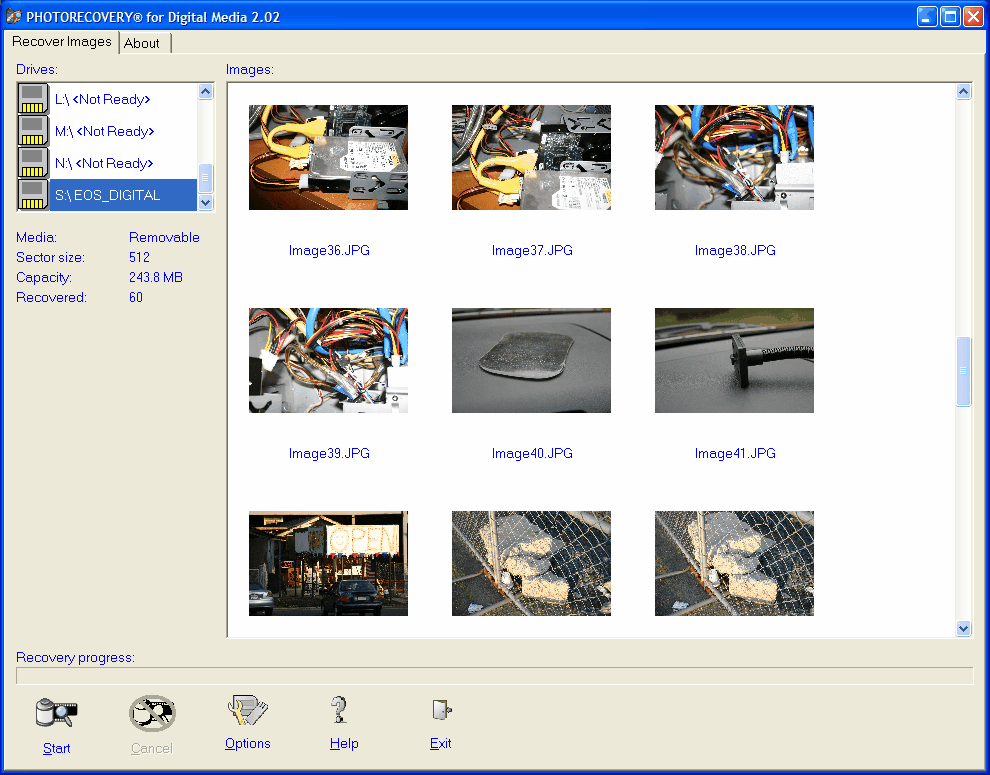
PhotoRecovery found a whole bunch of photos on my formatted card. (click for larger image)
As you can see, PhotoRecovery found a whole bunch of photos on my formatted card. As it recovered the image, it wrote a copy of that file to my My Pictures folder, in a subfolder it called "recovered." Before running this program, make sure you've got enough hard-drive space to store a recovered mirror of the data you're looking for.
Once the program completed, it displayed the dialog shown in Figure B, indicating that it found and recovered 60 images.
FIGURE B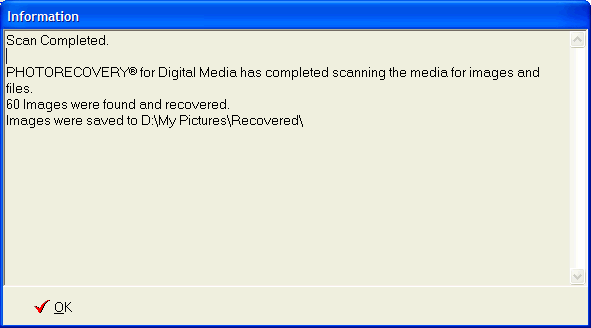
60 images were recovered. (click for larger image)
Overall, the program seemed to do the job quite nicely. In fact, a quick look in the "recovered" folder showed the pictures were successfully moved to my hard drive, as shown in Figure C.
FIGURE C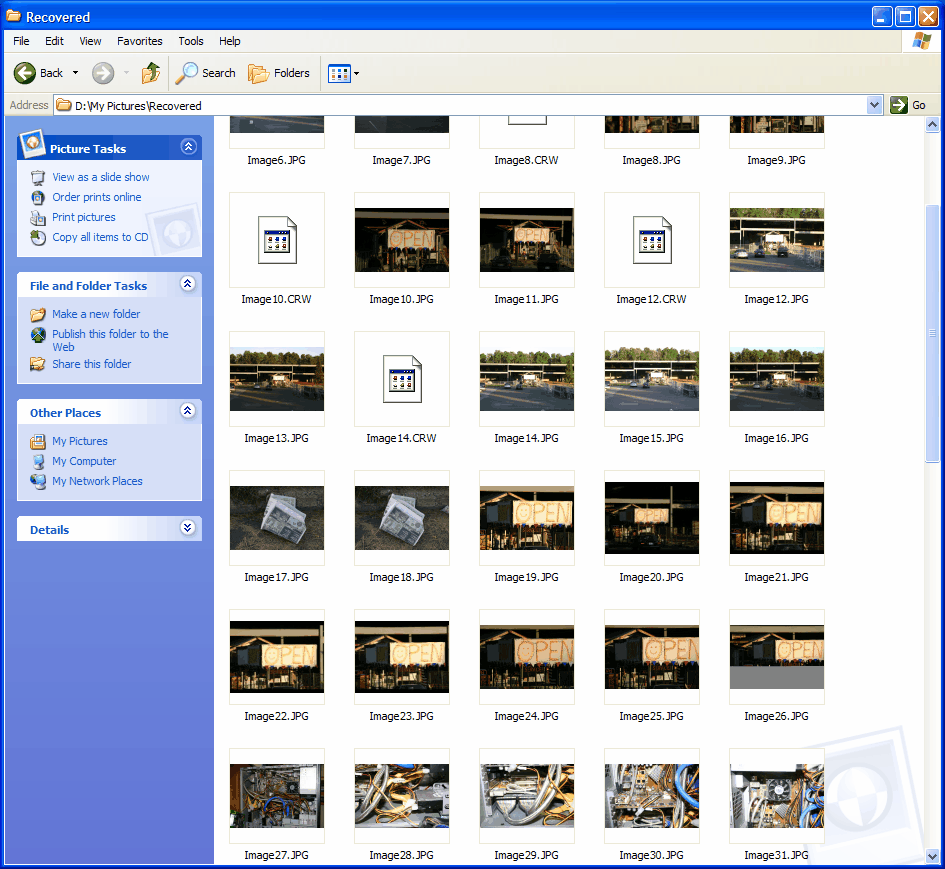
There they are! (click for larger image)
The only thing weird about the program was on the About screen, shown in Figure D.
FIGURE D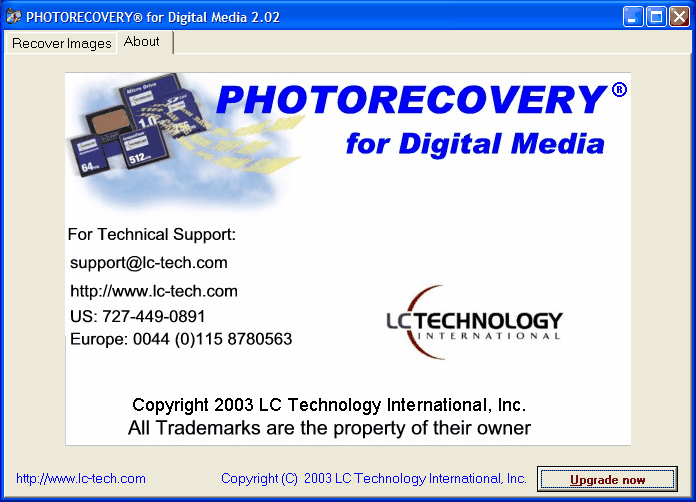
What, exactly, are we upgrading? (click for larger image)
If you look in the lower, right corner, you'll notice an Upgrade Now button. That button takes you to the LC Technology Web site (not the JASC site), where you're given the opportunity to order the product you're using. What's weird is that, as far as I can tell, the product included in the JASC Paint Shop Photo Album 5 Deluxe Edition bundle is a complete, unrestricted product. So there doesn't appear to be a need to "Upgrade Now."
Up until I sat down to write this article, I haven't really been sure how to approach reviewing these product suites. But now, I think I have an approach that could be very interesting. Rather than review the entire suite, we'll look for the buried gold, like PhotoRecovery, included within the suite. After all, if you bought PhotoRecovery directly from LC International, it'd cost you $39.95. But if you bought Paint Shop Photo Album 5 Deluxe Edition from JASC, it's only $45, and you get a whole photo album and a bunch of other treats for the extra $6!
We give PhotoRecovery a 3 out of 5.
RATING: 3 STARS